



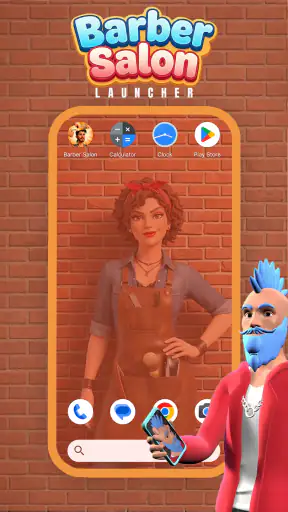
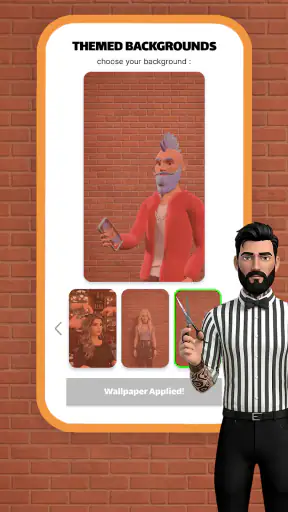

I approached Barber Salon Launcher as a personalization app rather than a conventional salon game. Its basic idea is simple: you build a barber shop and create a different appearance for each client. That sounds lightweight, but the appeal depends on whether you enjoy making small visual choices repeatedly and seeing a salon gradually take shape. After spending time with it, I found a casual experience that is easy to understand, friendly for younger users, and more interesting when you treat each customer as a small design problem instead of rushing through every interaction.
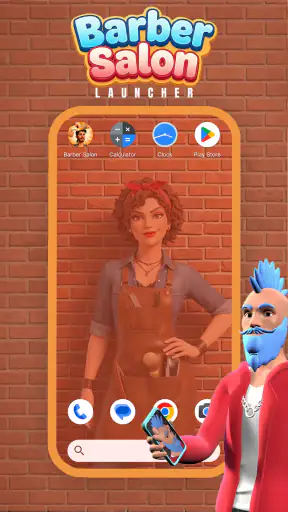
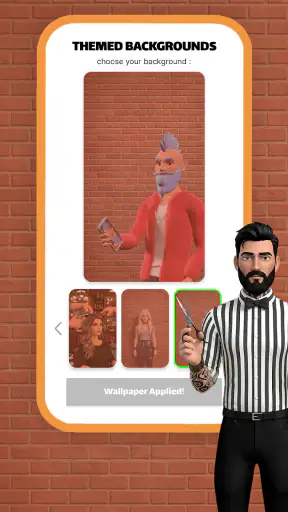
The app comes from Gamnest and is free to use. It is listed for Everyone, which matches the approachable presentation and uncomplicated premise. It belongs to the Personalization category, although it feels closer to a relaxed creative activity than to a traditional wallpaper, icon, or theme tool. That distinction matters: you are not customizing the phone itself. You are customizing the people and atmosphere inside a virtual barber environment.
My overall reaction is mixed but fairly clear. The central loop is pleasant for short sessions, especially when I want something undemanding. However, the average rating of 2.9 from around 9,300 ratings suggests that the experience will not satisfy everyone. I can understand why. The concept is immediately accessible, yet its long-term appeal depends heavily on how much enjoyment you get from repeating similar salon decisions. If you want a deep management simulation, this is not the right place to start. If you like simple visual tasks and gradual creative variation, it is easier to appreciate.
How I use the salon from the first client onward
A simple baseline workflow keeps the experience comfortable
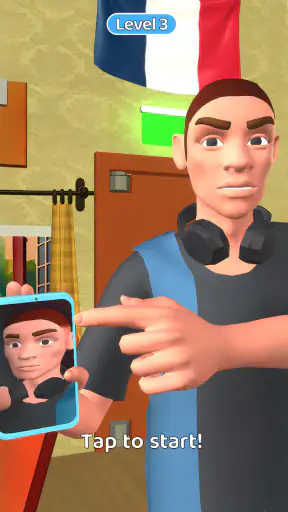
My usual routine begins by taking a moment to look at the client rather than tapping through automatically. The point of the app is the unique look, so I get more from it when I decide what kind of style fits that particular customer. I then work through the available salon interaction at a relaxed pace, checking the result before moving on. This turns a very basic activity into a repeatable creative exercise: observe, choose, adjust, and review.
That workflow is especially useful for children or anyone trying the app for the first time. There is no need to understand a complicated economy, learn a large control scheme, or prepare a long strategy before beginning. The premise is visible quickly, and the salon setting gives the activity a clear context. I would hand this to someone who wants a few minutes of playful customization, not to someone expecting a detailed business simulator.
One everyday scenario where it works well is a short break between tasks. I can open it, handle a client, make a few appearance decisions, and stop without needing to remember a complex plan. It is also suitable for sharing a device with a child because the creative goal is easy to explain: make the next client look different from the previous one. That simple rule creates a small challenge without turning the session into homework.
I recommend resisting the temptation to use the same favorite look every time. The app becomes repetitive quickly if every client receives an almost identical treatment. Instead, I use a personal rotation: one client gets a neat, restrained style, another receives a more playful combination, and a third becomes an experiment. This habit costs nothing, but it makes the differences between customers more noticeable and gives the salon a stronger sense of personality.
What the salon concept does better than ordinary phone customization
Compared with a normal personalization app, this one is more interactive and less permanent. A wallpaper or icon pack changes the phone’s appearance in the background, while Barber Salon Launcher asks me to participate in the choices. That makes it more engaging for a short session, but less useful if my goal is a lasting change to the device. I would choose a conventional launcher or theme tool for icons, home-screen organization, or visual consistency across the phone.
Its advantage is the client-by-client structure. Each decision has an immediate visual purpose, and the salon setting gives the activity a playful frame. The trade-off is that the experience is narrower. A phone launcher can affect everyday navigation, whereas this app is something I open specifically for its small creative loop. Understanding that difference prevents disappointment.
Settings and habits worth checking before settling into a routine
The current version is 1.0.5, and I would begin by looking through the available in-app options before developing a fixed routine. I am not suggesting that it contains a large configuration system; rather, a quick check helps me understand how the app behaves on my device and what controls are available during the salon activity. That first inspection is worthwhile because casual apps often feel smoother once their basic interaction style is familiar.
I also pay attention to how quickly I move between clients. If the interface responds best to deliberate taps, rushing can make the experience feel less precise. My practical tip is to make one choice at a time and pause briefly to see the result. This is particularly helpful when a child is using the app, since slower interaction makes the creative connection clearer: the selected action changes the client, rather than merely advancing a screen.
Another useful habit is to treat the opening session as a test of comfort. I check whether the text is readable, whether the controls are easy to reach, and whether the presentation feels comfortable on my phone. The app supports Android 8.0 and later, so it is accessible to many older devices, but compatibility alone does not guarantee that every screen size will feel equally pleasant. A few minutes of testing tells me more than assuming that a light concept will automatically suit every handset.
Because it is free, the initial decision is low-risk. Still, free does not mean it will match every user’s expectations. I would not install it solely because I want a practical launcher, a home-screen makeover, or a tool that changes system appearance. The name can create that expectation, but the salon activity is the real reason to try it. That is one of the most important distinctions to make before downloading.
Faster patterns for repeat sessions
Once I understand the basic flow, I use a three-pass approach. On the first pass, I identify the client and decide on a broad direction. On the second, I make the actual styling choices without constantly reconsidering them. On the third, I look at the finished appearance and decide whether it feels distinct from the previous customer. This avoids both extremes: tapping mindlessly and spending too long searching for a perfect result.
For short sessions, I set myself a small creative rule rather than trying to complete an undefined amount of activity. For example, I might focus on producing three visibly different clients, each with a separate mood. This gives the session a beginning and an end, which is useful when I only have a few minutes. It also exposes one of the app’s strengths: variety comes less from complicated strategy and more from the choices I make.
For longer sessions, I keep a mental record of combinations I have already used. I do not need a written spreadsheet for that; simply remembering the last few styles prevents the salon from becoming visually repetitive. This is a non-obvious improvement because the app’s premise encourages uniqueness, but the user has to supply much of that variety through personal discipline. If I stop making deliberate distinctions, the loop loses much of its charm.
I also find it better to finish a client before experimenting with the next one. Constantly changing direction can make the activity feel unfinished, while completing one look creates a small sense of progress even when the app remains casual. This approach is useful for younger players too: the goal becomes concrete and understandable rather than an endless series of disconnected taps.
Where the simple design reaches its limits
The same simplicity that makes the app approachable also limits its depth. I would not choose it for complex resource planning, detailed staff management, advanced salon economics, or a long campaign with layered objectives. Its appeal is visual and immediate. Users who need a substantial management game may find the decisions too light, while users expecting a full phone launcher may find that the salon theme does not deliver the system-level customization they had in mind.
Repetition is the main pressure point. The first few clients are easy to understand, and the activity can be satisfying when I am actively comparing looks. Over time, though, the novelty depends on my willingness to invent new combinations. There is a real trade-off here: the app avoids overwhelming controls, but that also means it has less room for advanced experimentation than a deeper creative simulator.
The public response reinforces that caution. With an average rating of 2.9 and around 9,300 ratings, it is not a universally loved release. I would not treat that score as a reason to dismiss it automatically, because casual creative apps can divide people sharply. Instead, I read it as a signal to keep expectations modest. Try it for the salon activity itself, not because the title suggests a complete replacement for a phone launcher or a fully featured barber-management game.
The audience size is still notable: it has passed one million installs. That tells me the premise is easy enough to attract a broad audience, but popularity does not remove the need to check whether the loop suits my habits. An app can be widely tried and still be enjoyable only for a specific kind of user. In this case, that user is someone who likes quick visual customization and does not require constant escalation.
Who should use it, and who should skip it
I would recommend it to children who enjoy creating characters, casual users looking for a low-pressure activity, and anyone curious about a salon-themed customization loop. It can also work as a shared, conversational app: one person suggests a style, another makes the choices, and both compare the final client with earlier results. That social use does not require multiplayer features; the fun comes from discussing the visual decisions together.
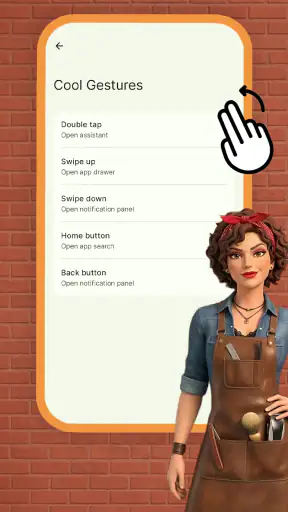
I would be more cautious about recommending it to someone who wants a serious barber simulation. The app’s central pleasure is making each client look different, not running a realistic business. Likewise, people searching for a technical Android launcher should skip it and choose a tool designed to change icons, layouts, gestures, or home-screen behavior. The category label and the short description may attract those users, but the actual experience is better understood as a playful salon activity.
Parents looking for an Everyone-rated app may find the premise comfortable, but I would still let the child try it while observing whether the repetition remains enjoyable. The age rating describes its broad suitability, not its ability to hold attention indefinitely. If the child enjoys making choices and comparing results, it may become a pleasant occasional app. If they want constant new mechanics, it may lose their interest quickly.
My verdict after building a repeatable routine
After using it with a deliberate workflow, I see Barber Salon Launcher as a modest but approachable personalization experience with a clear creative hook. Gamnest keeps the idea easy to grasp, and the free price makes experimentation straightforward. The strongest way to enjoy it is to create your own structure: vary each client, finish one look before starting another, and use short sessions with a clear creative goal.
Its weaknesses are just as important. The salon loop can become repetitive, the depth is limited, and it should not be confused with a practical Android launcher or a full management simulation. The rating of 2.9 reflects that it will not be a strong match for everyone. I would skip it if I need extensive customization systems, long-term progression, or control over my phone’s actual interface.
For the right person, though, the simplicity is the point. I can open it without preparation, create a distinct client, and leave after a short break. The best reason to try it is not the word “launcher,” but the small creative ritual of giving every salon visitor a different identity. If that sounds satisfying, the current 1.0.5 release is worth a casual test on a device running Android 8.0 or newer. If you want a serious tool or a deeper game, your time will be better spent elsewhere.


